
Now Anyone Can Build Software. Here's How.
A guide to creating apps in 2026

Editorial note: In the past week there has been a lot of news about Anthropic, OpenAI, and the Department of War. I hope to write about this soon, but right now there are just too many unknowns.
In this week’s post I’m going to focus on how you can make your own applications with the latest AI-assisted coding tools. As I’ve been writing in the last few weeks, very recently these tools have had a sudden capability jump that I believe everyone needs to be aware of. This post is NOT for software engineers. Even if you have no interest in making your own applications, this will give you a sense of where AI capabilities currently stand. As usual, I’ll try to keep things as non-technical as possible.
I’ll repeat: This guide is not for software engineers! If command-line tools are second nature to you, this is definitely not for you. If you’re at home with git and github, this is not for you. It may be helpful to have written a computer program at some point in your life, but even that may not be necessary.
Before diving in, a word of warning: while you no longer have to be a software engineer to make software, you do have to know something. You’ll make the best applications if you can lean in to your own expertise. If you tell a coding agent “make a game” you are likely to be disappointed. If you say “make a game about medieval history,” you’ll only do marginally better. But if you know something about medieval history, and you have a concrete idea for a game, and you’re willing to take the time to carefully guide a coding agent, then you can expect amazing things.
Getting started
To get started, you’re going to need an AI coding application, and a little bit of cash. Sorry … at this point the most effective coding apps are not free, and I don’t recommend wasting your time with an ineffective one. That’ll just lead you to frustration and a sense that the technology isn’t where it actually is.
Your best options for coding agents right now are Claude Code, powered by Anthropic’s Opus 4.6 model and OpenAI’s GPT 5.3 codex. Both have dedicated desktop apps, which I highly recommend. Both require a subscription that will cost you anywhere between $20 and $200 per month. At the time of this writing the $20/month OpenAI plan would be sufficient for most people, but that’s a promotion that will likely end soon. After that you’ll probably have to pony up at least $100 per month for either Claude or Codex to be a viable coding agent for all but the most basic of tasks. That might seem like a lot compared to something like a Netflix subscription, but its pennies compared to the cost of hiring a software engineer to make everything you’ll be able to make with these services.
I’ve used both Claude and Codex. In terms of capabilities, I haven’t noticed much difference. I think Codex was easier to set up, and I find it slightly more user-friendly (I like the fact that it has an integrated terminal window, for example), but the differences are relatively minor.
Why use a dedicated coding app instead of a chatbot?
I get asked by a lot of people why they should use a desktop coding agent instead of just continuing to interact with an LLM through the chat interface they may be used to. After all, they look almost identical, with the same kind of running dialogue and little chat window at the bottom, and both can write snippets of code. There are several reasons:
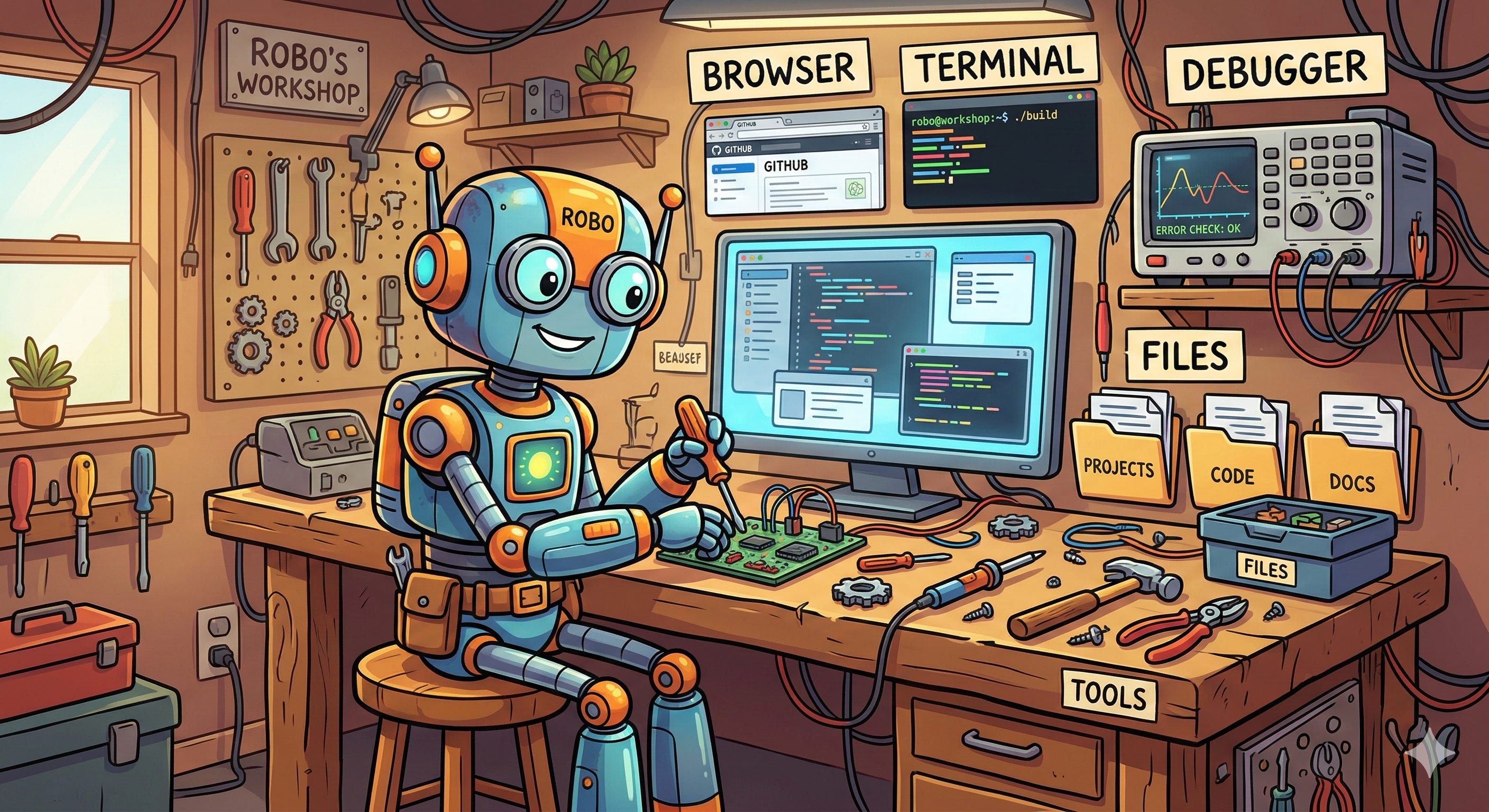
File access. To get started with a coding app, create a folder on your computer and open it with your coding app. Now your coding app can read and write any number of files in that folder, which is essential to creating modern software applications.
Tool use. When creating a web application, both Claude Code and Codex can write a prototype and then open a browser to check how it looks. Browser use is just one tool available to these coding apps.
Debugging loops. Once Claude or Codex writes some code, it can run the code and check for anything undesirable. It can then make revisions and repeat, autonomously, for long periods of time. ChatGPT can’t do anything like that.
The basic steps
OK, hopefully by now you are in Claude Code or Codex, with a folder open on your computer. Both Claude and Codex have a “plan mode” accessible from the drop-down options on/near the chat window. Start in plan mode. Describe the idea for your app, and ask it to make a plan. Be as detailed as possible in what you tell it. Codex will automatically ask you clarifying questions, which is helpful. Claude Code may have to be further prompted to do this: “I want to make an app that does …. Ask me any clarifying questions you will need, and then make a plan”. In either case, once you have a plan you can switch out of plan mode and tell it to execute the plan.
If you’ve followed me this far, then your coding agent has now filled your folder with a bunch of files containing code in a variety of languages. Ask Claude or Codex how you can run that code to test your new application, and follow its instructions. It’s unlikely that the first time through it will be exactly what you want, so go back and ask it to make changes. You can change anything: layout, colors, fonts, what happens when you press this button or move that slider, etc. If something visual isn’t quite right, upload a screenshot. I’ve even uploaded hand-drawn sketches. Once the app works the way you want, start asking it to add features. And when you are finally done, ask it how to make this a “live” app that you can run just by double clicking on your computer, or how to put it up on a webpage for anyone to use.
Safety
At this point you may be wondering about safety. If you hand control over to an autonomous coding agent, could it do something harmful to your computer? In theory, it’s true that it could do any number of horrible things: erase files, send damaging emails, buy things on the web, etc. While its very difficult to guarantee that any agent is 100% safe, developers have taken a number of precautions. By default agents are only given local access: they can only read and write files in the folder that you open. When an agent wants to run a system command, which could affect things outside the local folder, they’ll show you the command and ask for your permission. That’s about as safe as you can reasonably expect. However, it can also get extremely annoying. In practice you end up having to sit there and hit the “approve” button every few seconds. So you are also given safety level options: when it runs a system command you can mark it as “safe,” so that if that same command comes up again the agent shouldn’t bother you. You can also completely throw caution to the wind and just let it work autonomously, with no manual oversight.
Even with only local access and the maximum amount of manual monitoring, you may be concerned that it can still mess up all the code in the one folder that it has access to. If you know enough about coding that you want to double-check and approve changes it has made, you can do that too. Both Claude and Codex will show you the “diff” (i.e. code changes), and you do have the option of asking for those changes to be reversed. And if you’re really comfortable with monitoring the actual code itself, you can keep a separate coding-specific application open (e.g. VS Code) and watch your entire codebase evolve in real time.
If you really want a maximally powerful autonomous agent who is given permission to do anything it wants, but you don’t want to be bothered every few seconds, then there is also one other option: run it on an isolated computer that has no access to your passwords, email accounts, etc. It doesn’t have to be a terribly powerful one: coding agents run on Anthropic/OpenAI servers, not your machine. Many people have an old laptop lying around they could dedicate to such a purpose, and there have recently been a rush of people buying cheap Mac minis for exactly this reason.
In practice, I’ve never had a coding agent damage anything on my computer, though I still recommend using the safety settings until you’re comfortable with the workflow.
Tips for better results
You now have the basic idea of coding with either Claude Code or Codex, but there are a lot of tips that lead to higher chances of success:
As I wrote about in last week’s post, the single most important thing is how detailed, precise, complete, and logical the instructions you give it are. That’s a style of writing many people are not accustomed to.
All coding apps have a limited “context window”. That means they can only remember a limited amount at one time. When they get close to their limit you might see a message like “compacting context,” which means they’re selectively choosing what to forget. Many people say a more aggressive strategy leads to better results: periodically ask your coding app to write an AGENTS.md file that contains a description of your app and the files in your project. Then start a completely new chat thread which begins with having it read the AGENTS.md file. This can be particularly effective when it seems like your agent is unable to patch some bug.
You can ask it to do anything! Below I’ll showcase a game I wrote that takes place on a Möbius band. I struggled to put to words exactly how I wanted the band positioned. So I asked codex to write a separate app that showed me just the band, let me manually drag it around, and then send the final position back to the coding agent for incorporation in my game. An app to help make an app by an app. Crazy.
Have patience! Often there is a lot of back and forth. You may find that it followed your instructions to the letter, but interpreted them in a way you hadn’t anticipated. Either clarify and have it rebuild, or start over with more precise instructions.
Start small if you can. If you can break your desired application into development phases, that’s best. Make sure everything in the first phase is working, and then start having it add features one at a time.
With that said, it’s helpful to include future features in the initial prompt, but specify not to implement those features just yet. That helps the agent structure the code so that adding those features later will be easier.
Keep expectations reasonable. Coding agents aren’t magicians! If you think your idea is something a software engineer might be able to do, then try it. But don’t ask it to write an app that makes you a millionaire overnight. If it were that easy …
With all that said, the most important tip is to have fun! The barrier to creating software is falling very quickly. The limiting factor is no longer programming skill, but having an idea and being able to express it clearly.
This week’s app
Each week I’m showcasing an app I made with the latest coding agents. This one was made entirely with GPT 5.3 codex. It’s a variant of an old 8-bit game called “falling apples”, where you have to catch the apples but avoid the poisoned ones. This version is played on a Möbius band, which is a surface with a twist. The apples you have to catch have the word “OK” on them. If you miss one, it goes around the band and comes back flipped, so the letters look more like “KO”. Those are the poisoned ones! Click the image below to play. Use left/right arrow keys to move the basket.

David Bachman is a professor of Mathematics, Data Science, and Computer Science. To learn more about David’s work, visit his AI speaking and consulting site, his faculty page, or explore his mathematical art portfolio.