
App Of The Week: Clockwork Atelier
Gears, gears, and more gears!

For those new to this substack: I alternate between general posts about issues in AI (always on Tuesdays) and posts later in the week about educational apps I have built to demonstrate the possibilities of this new technology.
This week I’m happy to share Clockwork Atelier, a puzzle app I made that allows users to build and learn about clocks and gears trains. The idea is fairly simple: users drag gears onto a canvas, and connect a single motor to an arbor that drives clock hands. You’ve succeeded if the hands move at the correct speeds, making a “working” clock.
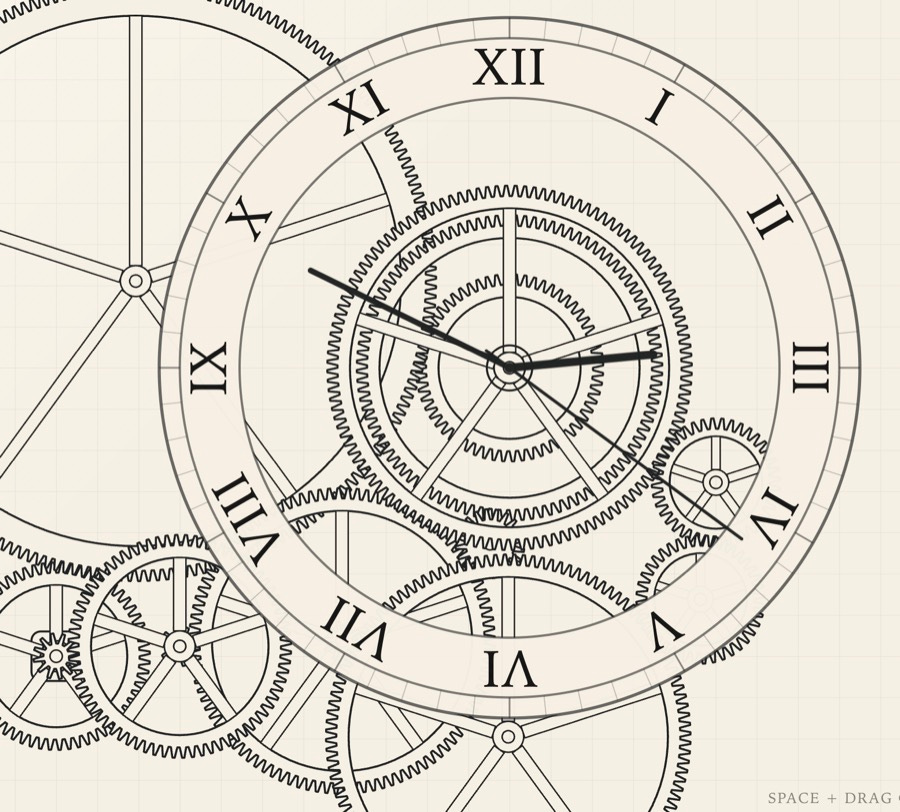
In the bottom-left corner you’ll see a small circle, which is the motor arbor. It rotates at one revolution per minute. To play, select a level on which to place gears (corresponding to one of the hands), enter a tooth count in the window, and drag a gear from the gear icon (next to the tooth count window) onto the canvas. Press the “Play” button to set the motor in motion. In the video below you’ll see a completed clock in action, and each of the levels on which the gears sit.
Gear placement follows a few rules, to mimic a real gear train:
Gears at different levels with the same center are assumed to sit on the same axle, and therefore rotate at the same speed. (This includes gears centered on the motor axle.)
Gears centered on the hand arbor behave a little differently, and can rotate at different speeds. A gear on the “Second” level centered on the hand arbor drives the second hand, a gear on the “Minute” level centered on that arbor drives the minute hand, etc.
Two gears on the same level cannot overlap.
The axle of one gear cannot overlap with any gear on another level.
The key to solving the clock puzzle is to get the hands to rotate at the correct speeds. To do that, you’ll learn something about gear trains and relative gear ratios. To help you out a little you can click on any gear you’ve placed on the canvas to see its tooth count. More importantly, if it’s part of a train that’s connected to the motor, you’ll also see its rotation speed.
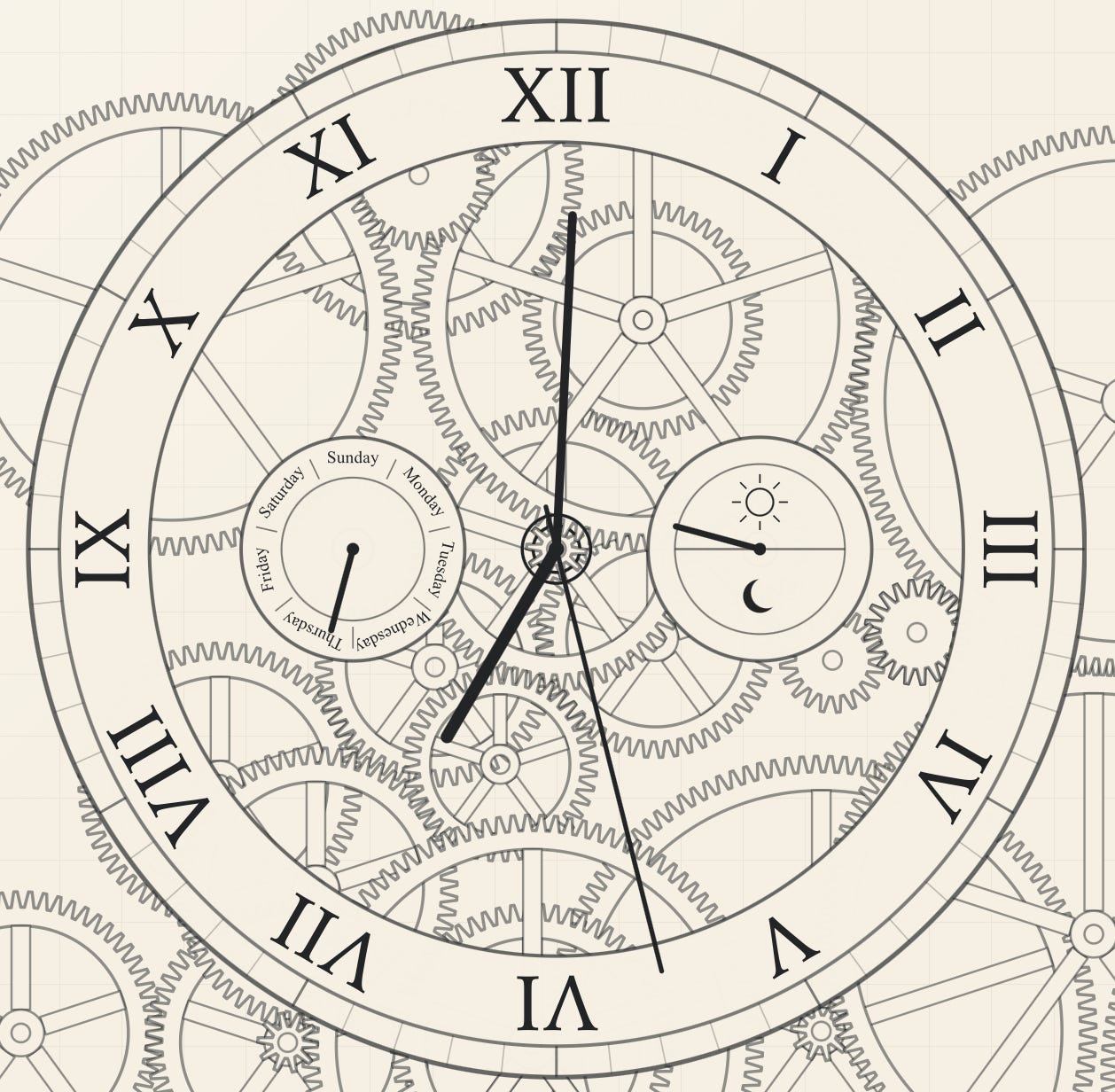
For players who want a little more of a challenge, in the “Extra” drop-down menu you’ll find options to add arbors for an AM/PM indicator hand, and a “Day of the Week” hand, shown in the image below.
Next week I’ll share the advanced version of this app, where you can build a planetary system called an Orrery. This is significantly more challenging because the relative ratios between the necessary rotation speeds are fractions instead of integers. That’s going to require a deeper understanding of gear ratios.
Happy playing! Here again is the link to the app: Clockwork Atelier.
David Bachman is a professor of Mathematics, Data Science, and Computer Science. He writes about AI and its real-world impacts. To learn more about his academic work, mathematical art, or AI speaking, consulting, and curriculum development, visit davidbachmandesign.com.